Projection mapping in your browser
Map light onto real surfaces.
Connect a projector and camera. Map lines up the view, lets you draw surfaces and makes them respond to movement.
Runs locally. No account. Projector + camera required.
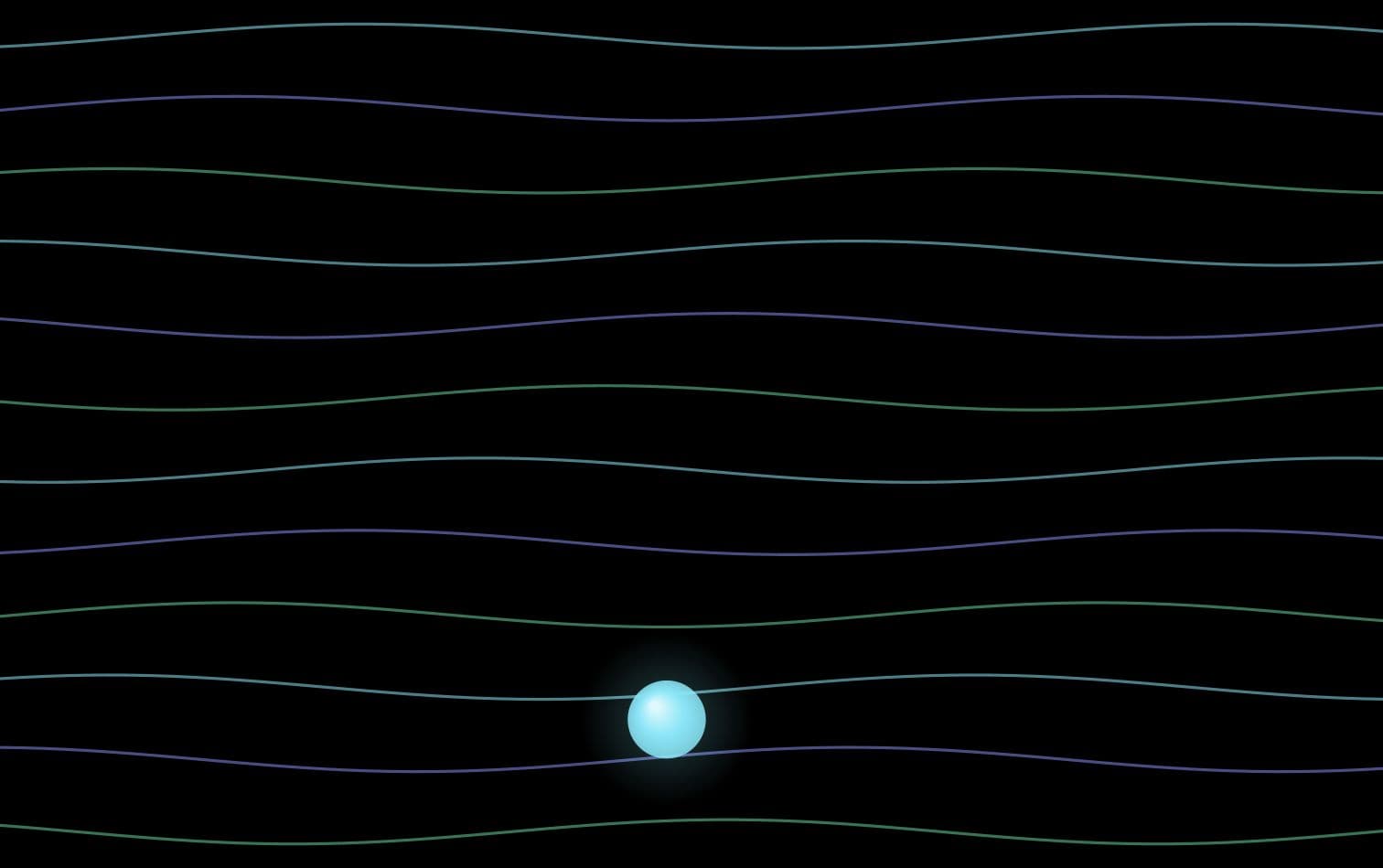
How it works
A short setup, then one place to tune the room.
- 01
Connect
Use a camera and open the projector as a second display.
- 02
Calibrate
Map flashes four points and lines up both views.
- 03
Place
Draw surfaces, choose a scene and let motion drive it.
The toolset
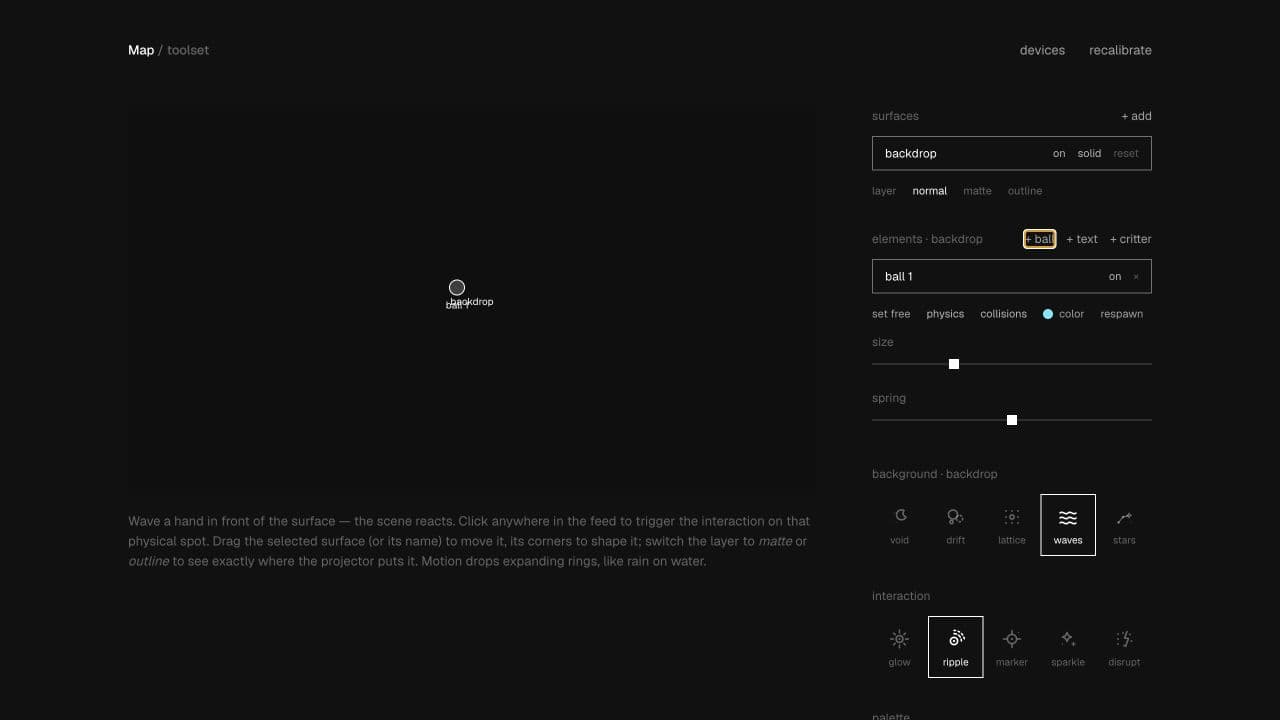
See the camera. Shape the surface. Pick the response.
Drag four corners over a wall, door or object. Each surface gets its own background, while one interaction ties the scene to movement.
What is included
The useful parts, without much ceremony.
Automatic four-point camera-to-projector calibration.
Separate mapped surfaces with live placement controls.
Motion, tap interactions, free elements and optional Hue lights.
A phone remote for tuning while you stand inside the scene.
Start with what you have